Zavyx Communities
Your audience shows up for one event and leaves. Give them a room to stay in, on your own page, paid into your own bank account.
The webinar ended twelve minutes ago. Ninety people came. Forty of them asked questions, and six said they wanted more.
Now you have a recording, a list of emails, and a choice. You can send a follow-up email and hope. You can paste a link to a group on somebody else's social network, where you do not own the members, the rules or the feed. Or you can do nothing, because it is late and next week's event still needs building.
Most of the people who wanted more never hear from you in a place they can come back to. The interest was real. It just had nowhere to go.
Zavyx Communities is where it goes.
One room your people can come back to
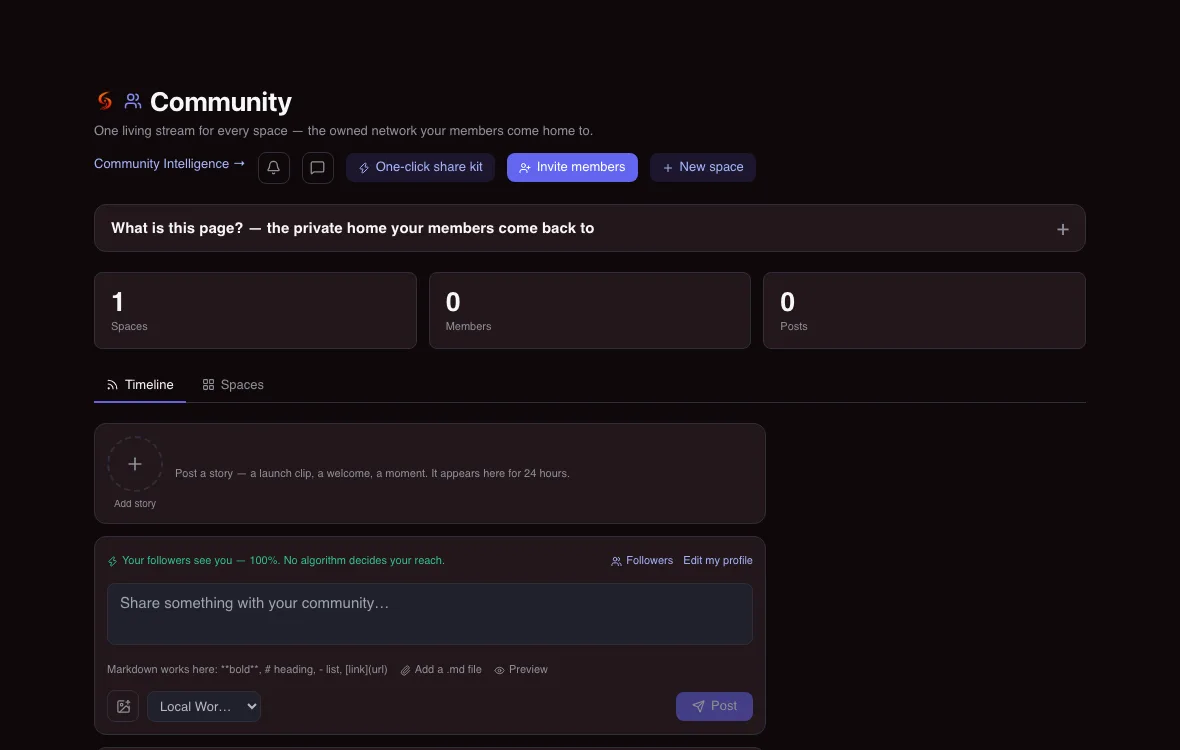
A community in Zavyx is a space you run. It has its own page, its own posts and its own members. You decide who can join, whether joining is free or paid, and what each level of membership opens.
It lives at an address that carries your name, in the form /c/your-name/your-community. That is the link you put in an email, on a slide or under a video. A person who opens it sees your community, your words and a way to join. They do not see our brand asking them to sign up for something else first.
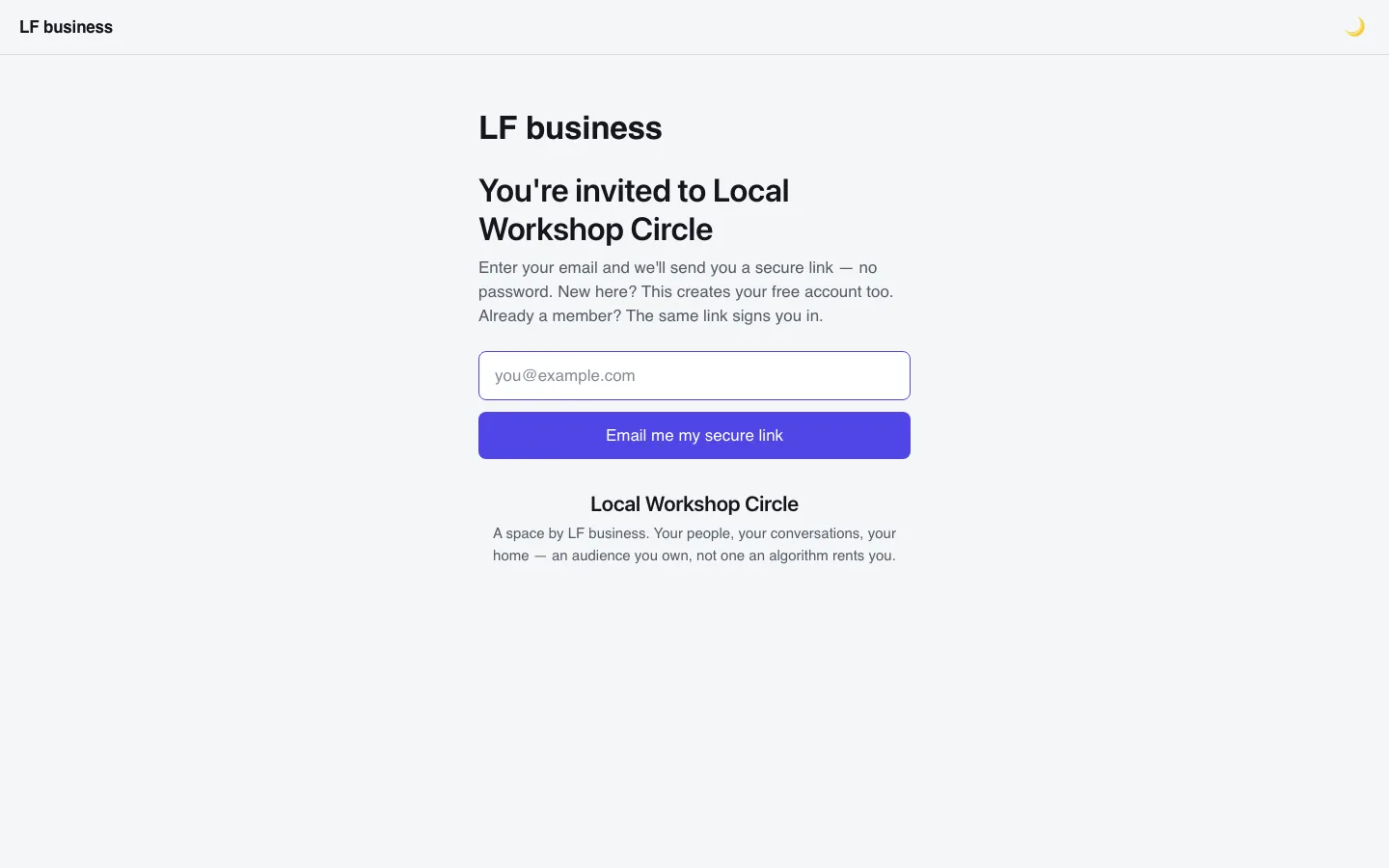
The offer appears where the interest is
People decide to stay while they are paying attention. So the community is offered at the three moments when attention is highest.
In the live room. While you are presenting, you can show your community to everyone in the room with one control, and hide it again when you are done. People who arrive late see it too, because the room checks again every twenty seconds. Someone who already belongs does not get a pitch. They see a button that opens the community they are in.
On the replay. When you publish a replay, the same community is offered beside it. A person who watches on Thursday gets the same next step as the person who watched live on Tuesday.
After they sign up. The page a person lands on after registering for your event shows the same community as their next step. The sign-up and the invitation arrive together, while they are still deciding.
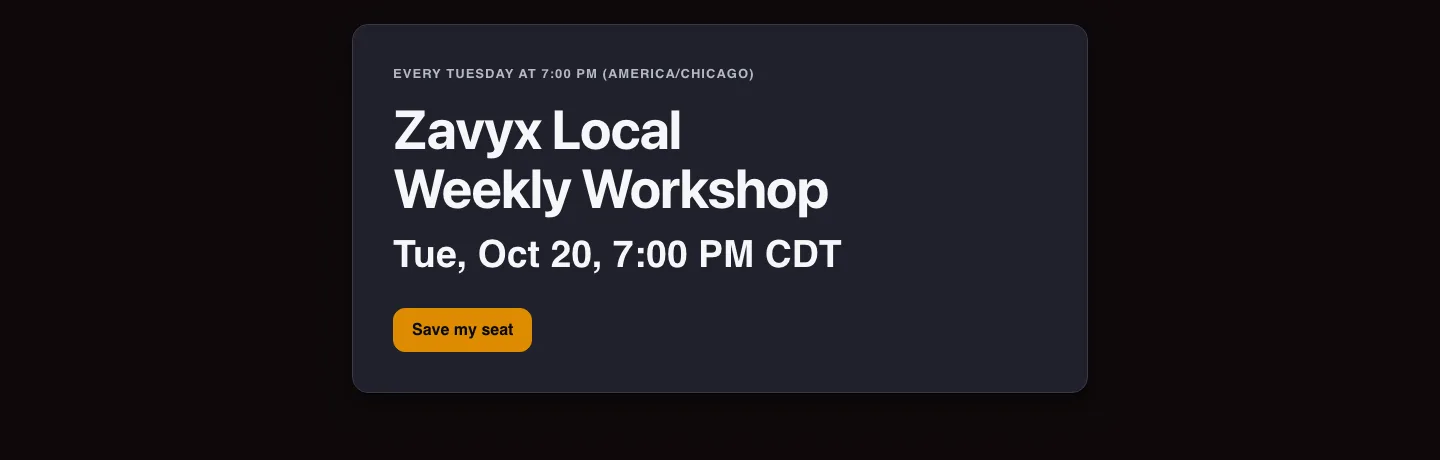
Every week is its own event
If you teach every Tuesday, you should not rebuild Tuesday every week.
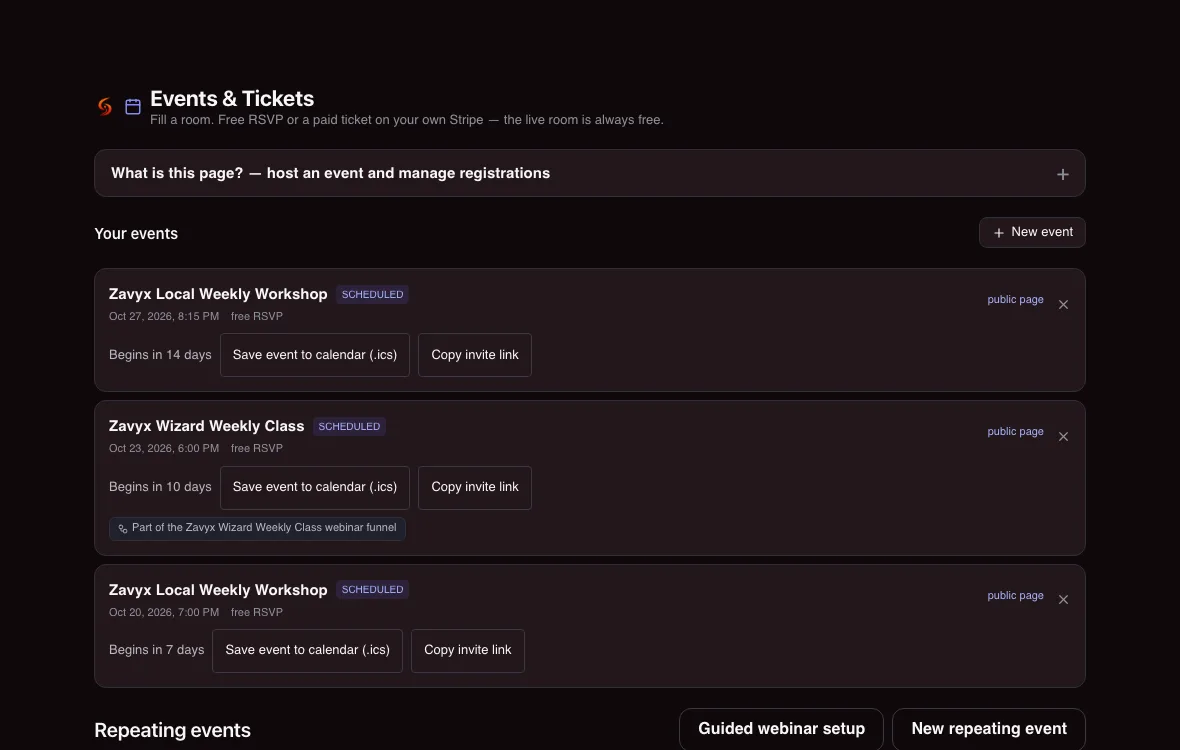
Set the event to repeat, choose the day, time and time zone, and Zavyx makes each week its own date, with its own sign-ups. Your public page always points at the next one. A person who registers for this week is counted for this week only. A person who wants two different weeks can register for both and gets the reminders for each.
When one week has to move, you move that week. The others stay where they were.
Paid membership, paid to you
A community can be free, paid, or both, with different levels for different people.
When a level is paid, the payment goes through your own Stripe account. The money lands with you, under your business name, the way it already does for anything else you sell. We do not hold it, and we do not take a cut of it.
If you refund a member in full, the future event seats that membership opened are released, so someone who is no longer paying is not still holding a spot. Seats for events that already happened stay in the history, because they happened.
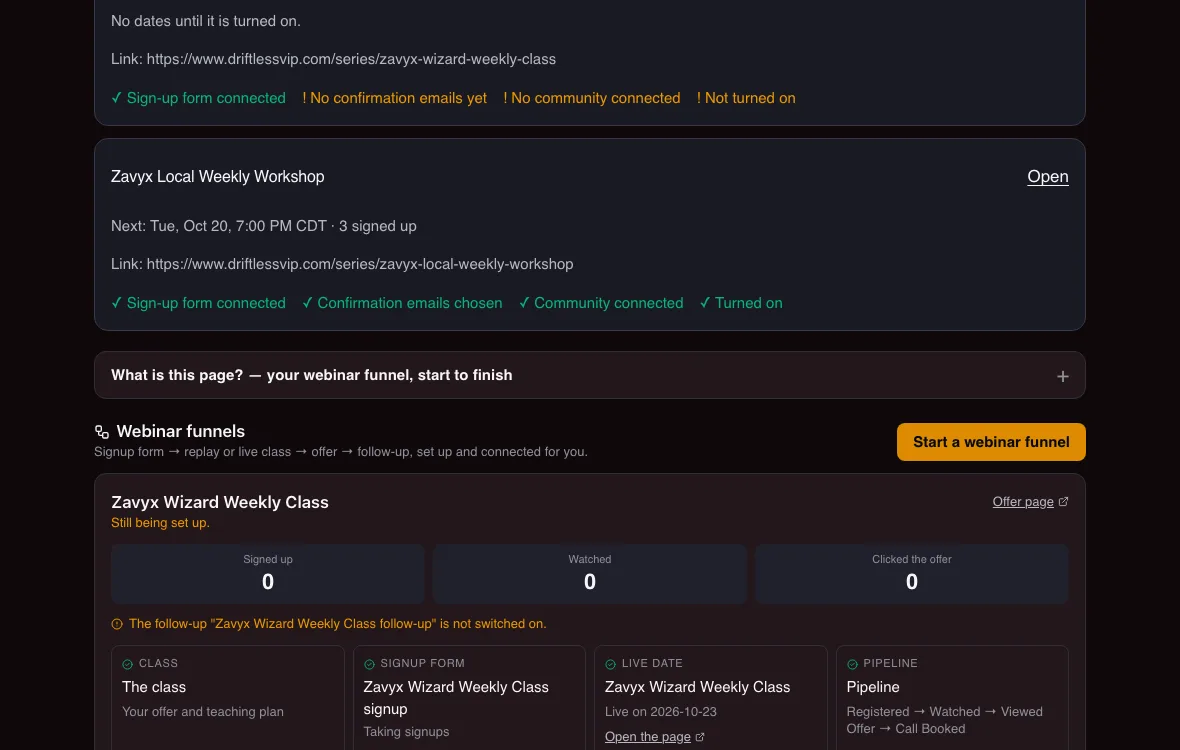
What you see as the host
From one screen you post to your members, pin what matters, create invite links, and see who has joined. Each repeating event shows its next date, how many people have signed up for it, and anything that still needs you, such as a missing confirmation email, in one short list.
When something cannot be counted yet, the screen says so. It does not show you a zero it cannot stand behind.
What is true today, and what we are still building
Communities, join pages, invite links, free and paid membership levels, the offer inside the live room, the offer on replays and after sign-up, weekly repeating events with their own sign-ups, and seat release after a full refund all work today.
One thing is not built yet, and we will not pretend otherwise. When more people arrive than a live room holds, Zavyx does not yet move the extra viewers to a watch-only stream. Until it does, the room's size is the limit your plan states.
Where to start
Every plan includes communities and live rooms, up to that plan's limits, starting with the free plan. Larger rooms, more members and the selling tools grow with the plan you choose.
Create your free account, start one community, and put its link in the next email you send. You will see within one event whether the people who wanted more now have somewhere to go.
Frequently asked questions
Do I need a paid plan to run a community?
No. Communities and live rooms are part of every plan, including the free one, up to that plan's limits. The plans page shows what each plan includes.
Who holds the money when someone pays to join?
You do. Paid membership levels charge through your own Stripe account, so the payment goes to your business directly. We do not hold your members' money.
Can I offer my community during a live event?
Yes. You can show the community to everyone in your live room and hide it again whenever you want. People who already belong see a button to open the community instead of an offer.
What happens when I run the same event every week?
Each week becomes its own dated event with its own sign-ups. Your public page always shows the next date, and you can move one week without touching the others.
What happens to a member's event seats after a refund?
A full refund releases the future seats that membership opened. Seats for events that already took place stay in the record.
Can I invite people directly instead of waiting for an event?
Yes. You can create invite links for a community and send them yourself, in an email, a text or a post. Each link opens your join page.
Can I have more than one community?
Yes. You can run more than one, for example a free community for everyone and a paid one for buyers, each with its own join page.
Do my members need a separate app?
No. Your community opens in a web browser at your own link, on a phone, a tablet or a computer.
What to do next
The Free Gate tier is free, permanently, and you do not need a credit card to start. The Free Gate is $0 forever. No credit card is required.. Paying for a higher tier buys more volume and more leverage — it never unlocks a capability we were holding back.
- Start Free — No Card Needed
- See what every tier costs
- Check what we have built before you trust any of it
If it turns out not to be for you, you have paid nothing and there is nothing to cancel.